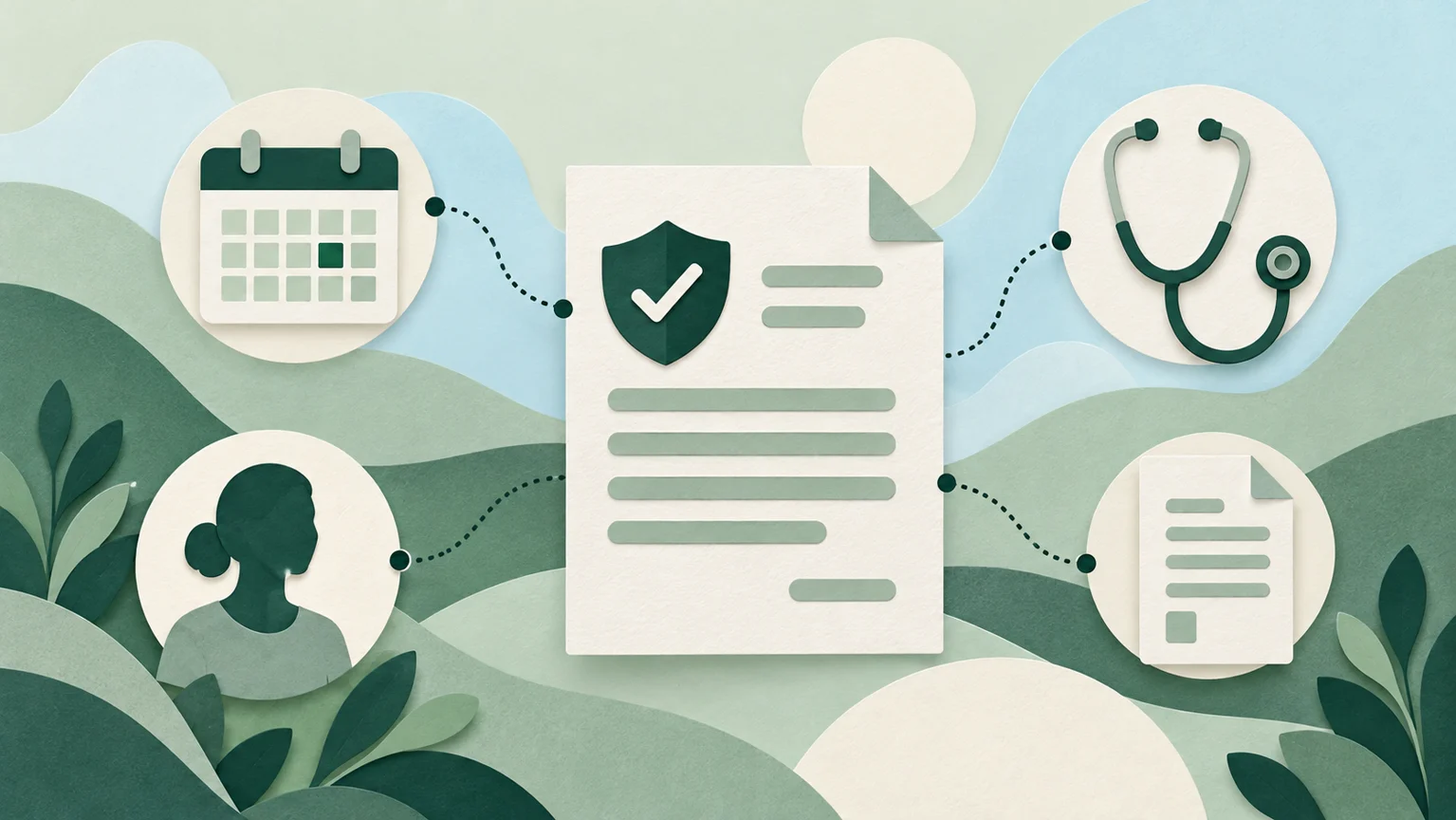
Patient intake is a connected workflow
Patient intake begins before someone reaches the reception desk. It includes confirming an appointment, collecting registration details, checking insurance information, obtaining the appropriate consents and preparing information for the clinical team. When those activities are treated as separate tasks, a patient may answer the same questions repeatedly while staff move between screens to find what is missing.
A useful intake process gives each task an owner, makes incomplete work visible and carries relevant information into the encounter. The goal is a clear transition from scheduling to registration to rooming. Completing a form does not, by itself, mean that a patient is ready for the next step. Your team needs to know what was received, what requires review and who should resolve an exception.
This guide explains how to connect intake tasks into a workflow your team can follow, with practical steps for introducing TeyaHealth and reviewing the process over time.
Find the handoffs that create repeat work
Start by mapping what happens to one appointment from booking through rooming. Include the work patients do, the information reception staff check and the preparation performed by the clinical team. Identify every point where someone copies information, searches for a document or asks another person whether a task is complete.
For each handoff, record the information needed, the person responsible and the condition that makes the next step appropriate. For example, registration may require a staff member to resolve a demographic discrepancy before marking that part of intake complete. A clinical history entered by a patient may still need a clinician's review. Keeping these distinctions visible prevents a generic completed status from concealing work that remains.
Ask staff to describe exceptions as well as the usual path. Patients may arrive without completed forms, need help using digital tools or provide information that conflicts with an existing record. Those situations need an agreed route to assistance, rather than an improvised workaround every time.
Build a repeatable intake sequence
Organize the process around a small set of clear stages. Before the visit, tell the patient what information is needed and provide an accessible way to complete the relevant intake tasks. Make the instructions specific enough that patients understand what to prepare and how to get help. Offer an appropriate assisted alternative for people who cannot use the digital route.
Next, define the registration review. Assign ownership for demographic updates, insurance details, required consents and unresolved administrative questions. Treat eligibility information as something the team interprets within its established process; an electronic response should not be presented to a patient as a guarantee of payment or coverage for every service.
At arrival, staff should be able to distinguish completed tasks from outstanding exceptions. Decide which administrative issues need attention before rooming and which can be handled through a separate follow-up process. Avoid making clinical decisions through an administrative status label.
Finally, specify the handoff to the clinical team. The receiving team should know that the patient has arrived, what preparation has been completed and which items still require its review. Relevant information should travel with the encounter, with responsibility for clinical interpretation remaining with qualified staff.
How TeyaHealth helps connect the process
TeyaHealth supports intake as part of a shared patient-visit workflow. Its Patient Agent capabilities include digital check-in, eConsent, intake questions and patient payment steps. These functions can support the collection stage, while the practice decides which questions and consent processes are appropriate for its own setting.
The FrontDesk Agent capabilities include eligibility verification, benefits and copay estimation, registration, arrival status, queueing and team notification. A practice can use these documented functions when designing how reception work moves toward rooming. Staff still need clear ownership for discrepancies, incomplete information and questions that require a conversation with the patient.
TeyaHealth's Nurse workflow supports rooming information, vitals, medication reconciliation, allergies and screenings for clinician review. Its shared encounter state connects demographics and insurance with clinical information, documentation, orders and billing. This provides a product foundation for keeping the next team member informed across the visit. It does not replace the need for staff to check the information and exercise professional judgment.
The platform includes role-based access and traceable agent actions. During implementation, identify who should see and update each part of intake, and how the team will review exceptions or changes. During a product walkthrough, confirm the configuration and connections your practice will use.
An illustrative practice example
Consider a hypothetical outpatient practice where patients complete registration information before their appointments, but reception staff cannot easily tell which records still need attention. The clinical team then repeats administrative questions because the handoff does not distinguish missing registration details from clinical information awaiting review.
The practice could begin by agreeing on a shared intake checklist and naming an owner for each exception. It could then map TeyaHealth's Patient and FrontDesk capabilities to collection, registration review, arrival status and the notification that supports the next handoff. The clinical team would keep responsibility for reviewing the history, medication information and other clinical inputs relevant to its work.
In this example, success would mean that staff can identify outstanding tasks and understand who handles them. Whether the change reduces waiting, repeat questions or staff effort must be measured in the practice. This is an illustration of workflow design, not a customer case study or a claim about results already achieved.
Use a rollout checklist with the whole team
Before changing the intake process, agree on what information is necessary at each stage. Separate administrative completion from clinical review. Specify who owns insurance questions, demographic discrepancies, consent issues and assistance for patients who need another route through intake.
Walk through the proposed process with reception staff, the clinical team and anyone who receives the information later in the encounter. Use fictional training records for the exercise. Include an incomplete form, an insurance question, a patient who needs assistance and a discrepancy that requires review. Check whether each participant understands what to do next.
Confirm access permissions, notifications and the circumstances in which staff should escalate a task. Choose an initial workflow to introduce, document the agreed process and provide a way for staff to report friction. Review the workflow after the team has used it, rather than treating the configuration session as the end of implementation.
Measure how the intake workflow is working
Choose measures that reflect the problem you are trying to solve. Possible examples include how often registration is incomplete at arrival, how many intake tasks require additional staff follow-up and whether the receiving team can identify outstanding work. Define exactly what counts as an exception so that different staff members record it consistently.
If you examine time spent on intake, use comparable start and end points. Review routine appointments separately from visits that need additional assistance, so that the measurement does not discourage staff from helping patients. Look at repeat questions and staff feedback alongside timing: a faster status update is not necessarily a better handoff.
Use the results to decide what to adjust. They might point to confusing patient instructions, unclear ownership or a configuration that needs refinement. Avoid attributing every change to software when staffing, appointment mix or other practice processes have also changed.
Start with one intake handoff
You do not need to redesign the entire patient journey at once. Begin with a handoff that staff find difficult, describe what a reliable transition should look like and map the documented product capabilities to that process. Keep exception handling and human review part of the design from the beginning.
When exploring TeyaHealth, bring that workflow to the conversation. Ask the team to demonstrate the relevant intake, registration, arrival and rooming steps, explain configuration requirements and show how responsibility remains visible across the encounter. That gives your practice a concrete basis for evaluating how the platform fits the way your team works.

No published comments yet. Start the conversation.